
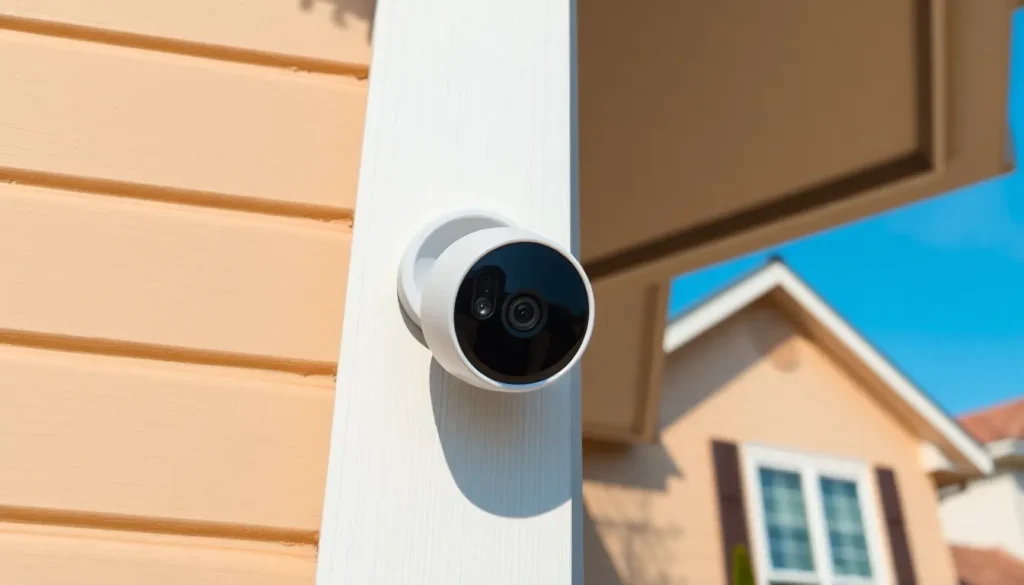
In today’s world of smart home technology, security cameras have become essential for peace of mind. Among these devices, Ring stands out with its user-friendly features and reliable performance. But a common question arises: how long does Ring keep videos? Understanding the storage duration can help users make informed decisions about their security needs.
Ring’s video storage policy is crucial for anyone relying on its devices for home security. With various subscription plans available, users can choose the level of storage that best suits their lifestyle. This article dives into the specifics of Ring’s video retention, ensuring users know exactly what to expect when it comes to safeguarding their footage.
Understanding Ring Video Storage
Ring offers a flexible video storage policy tailored to user needs and preferences. The duration for which videos are stored primarily depends on the chosen subscription plan.
Video Storage Duration
- Basic Plan: This plan allows storage of videos for 60 days. Users can access, review, and share footage during this time.
- Plus Plan: With the Plus plan, storage also extends to 60 days. This plan includes additional device coverage, enhancing overall security.
- Pro Plan: Similar to the Basic and Plus plans, the Pro plan offers 60 days of video storage but provides advanced features.
Cloud Storage
Ring utilizes cloud storage, which ensures videos remain secure and accessible across devices. Users can retrieve their footage through the Ring app or web portal, making it easy to monitor their property in real time.
Video Management
Users can manage their stored videos through the app. Features include organizing, deleting unwanted clips, and downloading important footage. These tools allow for efficient oversight of security.
Additional Considerations
Subscribers must adhere to the storage policies outlined by Ring. After 60 days, unviewed videos automatically delete unless saved. Users should regularly check footage to ensure important events are preserved.
How Long Does Ring Keep Videos?

Ring maintains a clear video storage policy based on the subscription plan selected. Users need to understand their options for video retention to manage their security footage effectively.
Default Storage Duration
Ring’s standard video storage duration for all subscription plans—Basic, Plus, and Pro—is 60 days. This period allows users to access recent footage and monitor their property effectively. Unviewed videos automatically delete after 60 days unless users save them, emphasizing the importance of regular video management.
Video Retention Options
Ring offers different video retention options based on the chosen subscription plan. Subscribers can select from the following plans:
- Basic Plan: Provides 60 days of cloud storage for one device.
- Plus Plan: Offers 60 days of cloud storage for an unlimited number of devices, enhancing coverage.
- Pro Plan: Delivers 60 days of cloud storage with device coverage similar to the Plus Plan, plus advanced features like enhanced video quality.
Users can access their footage through the Ring app or web portal, enabling easy organization, deletion, or download of important clips. Regularly managing stored videos ensures users retain critical security content.
Factors Influencing Video Retention
Several factors affect how long Ring retains videos, primarily revolving around subscription plans and device settings.
Subscription Plans
Ring’s video retention policy is tightly linked to the subscription plan selected by the user. All plans—Basic, Plus, and Pro—offer a uniform storage duration of 60 days.
- Basic Plan: Allows storage for one device and retains video for 60 days.
- Plus Plan: Permits an unlimited number of devices while maintaining the same 60-day video retention.
- Pro Plan: Offers the same coverage as the Plus Plan but enhances video quality and allows integration of additional features.
Subscribers should review their chosen plan to understand their specific storage capabilities and ensure alignment with their security needs.
Device Settings
Device settings also play a crucial role in video retention. Users can configure specific features that impact how they manage their footage.
- Video Quality: Higher quality settings may require more storage but can affect how much footage is saved at any given time.
- Notifications: Adjusting notification settings can ensure that important events trigger immediate video retention.
- Cloud Backup Options: Some settings may allow users to create backups of significant clips directly to cloud storage beyond the automatic retention period.
Fine-tuning these settings enables users to optimize video storage, maximizing the value and security of their recorded footage.
Viewing and Managing Your Videos
Managing video footage is essential for users to ensure they maintain important security records. Ring provides intuitive options for accessing and organizing videos through its app and web portal.
Accessing Recorded Footage
Users can access recorded footage by logging into the Ring app or the Ring website. Navigation is straightforward; users should select the specific device from which they want to view video history. All saved videos appear in chronological order, making it easy to locate desired clips. Filtering options allow users to find footage based on date and time, enhancing the search efficiency. Users can view, download, or share important clips for further review.
Deleting Videos
Deleting videos within the Ring system is simple. Users can select individual clips or multiple videos for deletion. After choosing the videos to delete, users should confirm the action to ensure removal. Any videos not saved will automatically be deleted after 60 days, reinforcing the importance of timely management. Regularly deleting unnecessary footage helps optimize storage space and keeps the device organized.
Understanding how long Ring keeps videos is essential for users looking to enhance their home security. With a clear video storage policy across its subscription plans users can choose the level of coverage that best suits their needs.
The ability to access and manage footage through the Ring app or web portal ensures that important events are not overlooked. Regularly checking and organizing stored videos allows users to maintain an efficient system while maximizing the benefits of their Ring devices.
By staying informed about video retention and making the most of their subscription plan users can effectively safeguard their homes and keep valuable security records at their fingertips.


